
Sales teams need tools that help them connect with customers quickly while keeping all data organized. When calling systems and customer records work separately it creates delays and confusion. Agents may need to switch between platforms which slows down the workflow and increases the risk of missing important details.
A preview dialer works best when it is connected with a CRM system. This integration allows agents to view customer details before placing each call. It also ensures that call activity is recorded automatically. When preview dialer software is properly integrated with a CRM it creates a smooth communication process that improves both productivity and customer experience.
Understanding How Preview Dialer Software Works
A preview dialer is designed to give agents time to review customer information before making a call. Unlike predictive dialer or auto dialer systems the agent controls when the call begins. This makes it useful for sales processes that require a personal approach.
Preview dialer software displays customer details such as name contact history and previous interactions before the call starts. Agents can study this information and prepare for the conversation. This helps them speak more confidently and address customer needs more effectively.
When connected with a CRM the preview dialer pulls customer data directly from the system. This removes the need to search for information manually. The integration also ensures that any updates made during the call are stored within the CRM. This keeps all customer records accurate and up to date.
Preparing Your CRM for Integration
Before connecting a preview dialer with your CRM it is important to prepare your system properly. A clean and organized CRM database ensures that the integration works without issues. Businesses should review customer records and remove duplicate or outdated entries.
Data accuracy plays a key role in successful integration. If customer information is incorrect agents may face problems during calls. Updating contact details and organizing lead data helps the preview dialer software function more effectively.
It is also important to check whether the CRM supports integration with dialer systems. Many modern CRM platforms provide built in support or allow connection through APIs. Businesses should choose a preview dialer that is compatible with their CRM to avoid technical problems.
Proper preparation ensures that the integration process runs smoothly and reduces the chances of errors after setup.
Connecting Preview Dialer Software with CRM Systems
The integration process usually involves linking the preview dialer software with the CRM through built in connectors or API based methods. Once connected the dialer can access customer data directly from the CRM.
Agents can view contact details within the dialer interface before making a call. At the same time the CRM updates call records automatically. This removes the need for manual data entry and keeps information consistent across both systems.
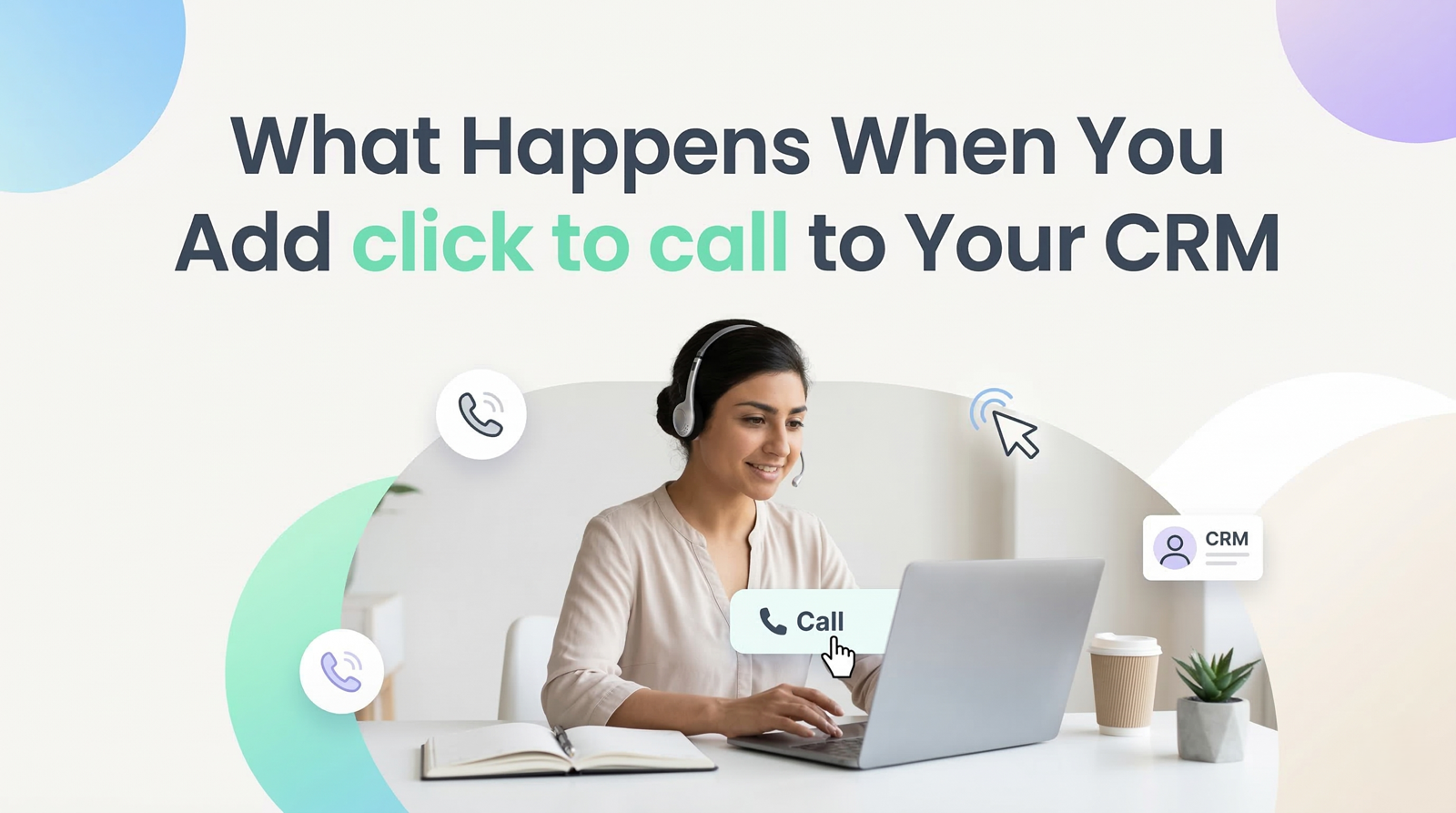
The integration also supports features such as click to call and call logging. Agents can start calls directly from the CRM interface and the system records call details without extra effort. This improves workflow and reduces the time spent on administrative tasks.
When the preview dialer software and CRM work together businesses gain a unified communication system that supports both sales and support operations.
Improving Workflow and Agent Efficiency
A well integrated system helps agents work more efficiently. Instead of switching between different tools agents can manage calls and customer data from one platform. This reduces distractions and allows them to focus on conversations.
Preview dialer software gives agents time to prepare before each call. When combined with CRM data this preparation becomes more effective. Agents can understand customer needs and adjust their approach based on previous interactions.
The system also reduces manual tasks such as dialing numbers and updating call records. Automated call logging ensures that every interaction is saved within the CRM. This helps teams maintain accurate records and improves follow up processes.
Better workflow leads to higher productivity and allows agents to handle more calls without increasing effort.
Using Call Data for Better Sales Performance
Integration between preview dialer software and CRM provides valuable insights into call activity. Businesses can track call outcomes customer responses and agent performance through detailed reports.
Managers can review this data to understand which sales strategies are working. They can identify patterns in customer behavior and adjust their approach to improve results. This helps teams make informed decisions based on real data.
Call tracking features also help maintain consistency in communication. Teams can review past interactions and plan better follow ups. This improves the chances of converting leads into customers.
With access to accurate data businesses can improve both sales performance and customer engagement.
Ensuring Smooth Operation and Continuous Improvement
After integration it is important to monitor system performance regularly. Businesses should check that call data is syncing correctly between the preview dialer software and CRM. Any issues should be addressed quickly to maintain smooth operation.
Training also plays an important role in successful integration. Agents should understand how to use the system effectively. Proper training ensures that teams can take full advantage of features like call logging, click to call and customer data access.
Regular updates and system checks help maintain performance over time. As business needs change companies can adjust settings and workflows to improve efficiency.
A well maintained integration continues to support business growth and helps teams deliver better communication.
Final Thoughts
Combining a preview dialer with a CRM creates a powerful communication system for sales teams. It brings together customer data and calling functions into one platform which improves workflow and reduces manual effort.
Preview dialer software allows agents to prepare before each call while CRM integration ensures that all interactions are recorded and organized. This combination helps teams communicate more effectively and maintain accurate customer records.
For businesses that want to improve sales performance and streamline communication processes integrating preview dialer software with a CRM is a practical and valuable step.






Write a comment ...